Tech Integrations That Modernize Any Home
31 October 2026
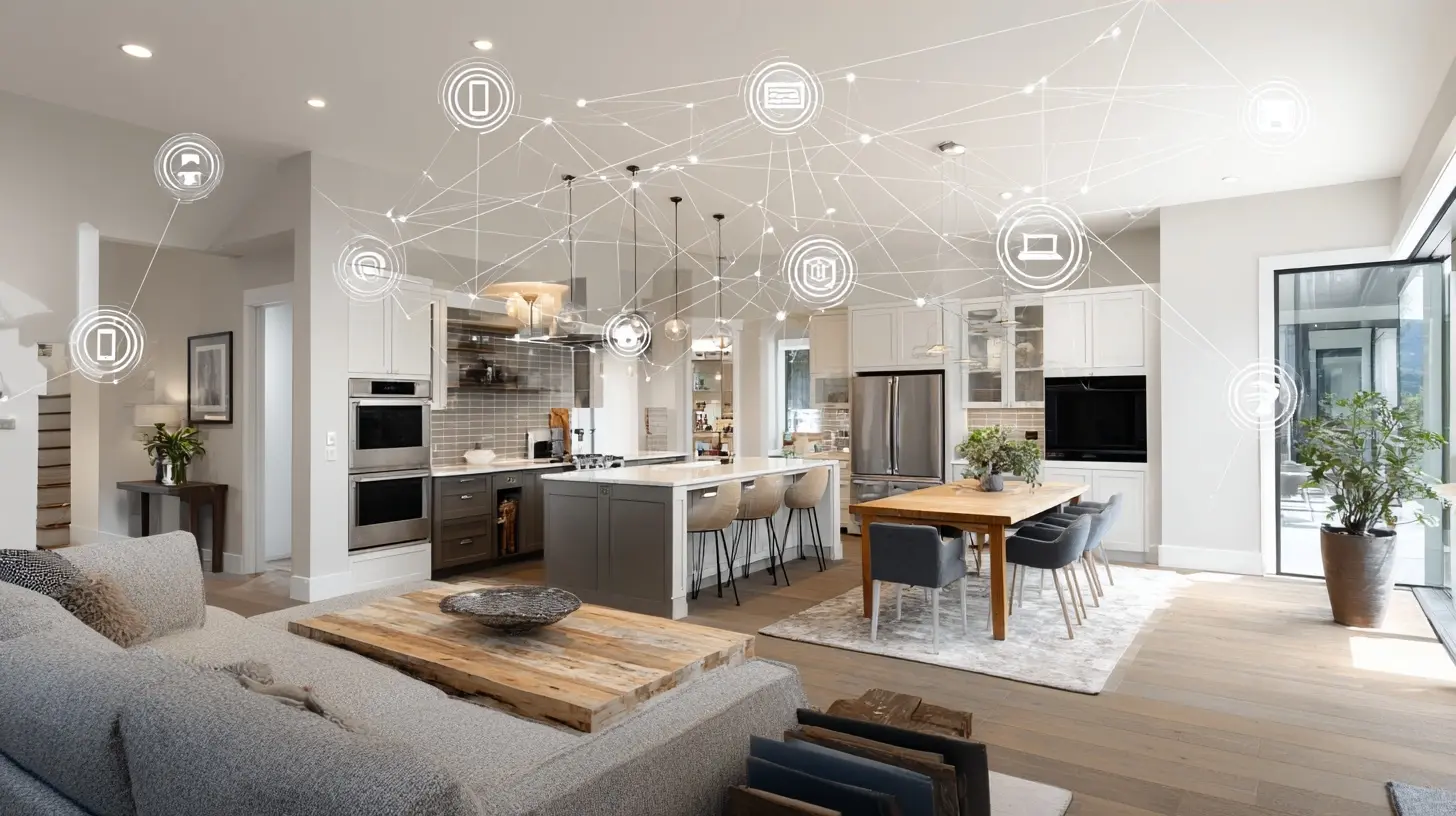
A modern home is not defined by the newest appliances or a sleek kitchen island. It is defined by how well the systems inside it work together. A house becomes modern when lighting, climate, security, energy, and entertainment stop acting like separate machines and start behaving like one coordinated environment. That shift does not require a full renovation or a celebrity-sized budget. It requires thoughtful integration, the right protocols, and a clear understanding of what each technology actually solves.
This article goes beyond product lists. It explains how modern home technology integrates at a systems level, where the real value comes from, which trade-offs matter, and what to consider before you buy. Whether you own an older home, a new build, or a rental property you plan to upgrade, the principles here apply.
What "Modernizing" a Home Actually Means
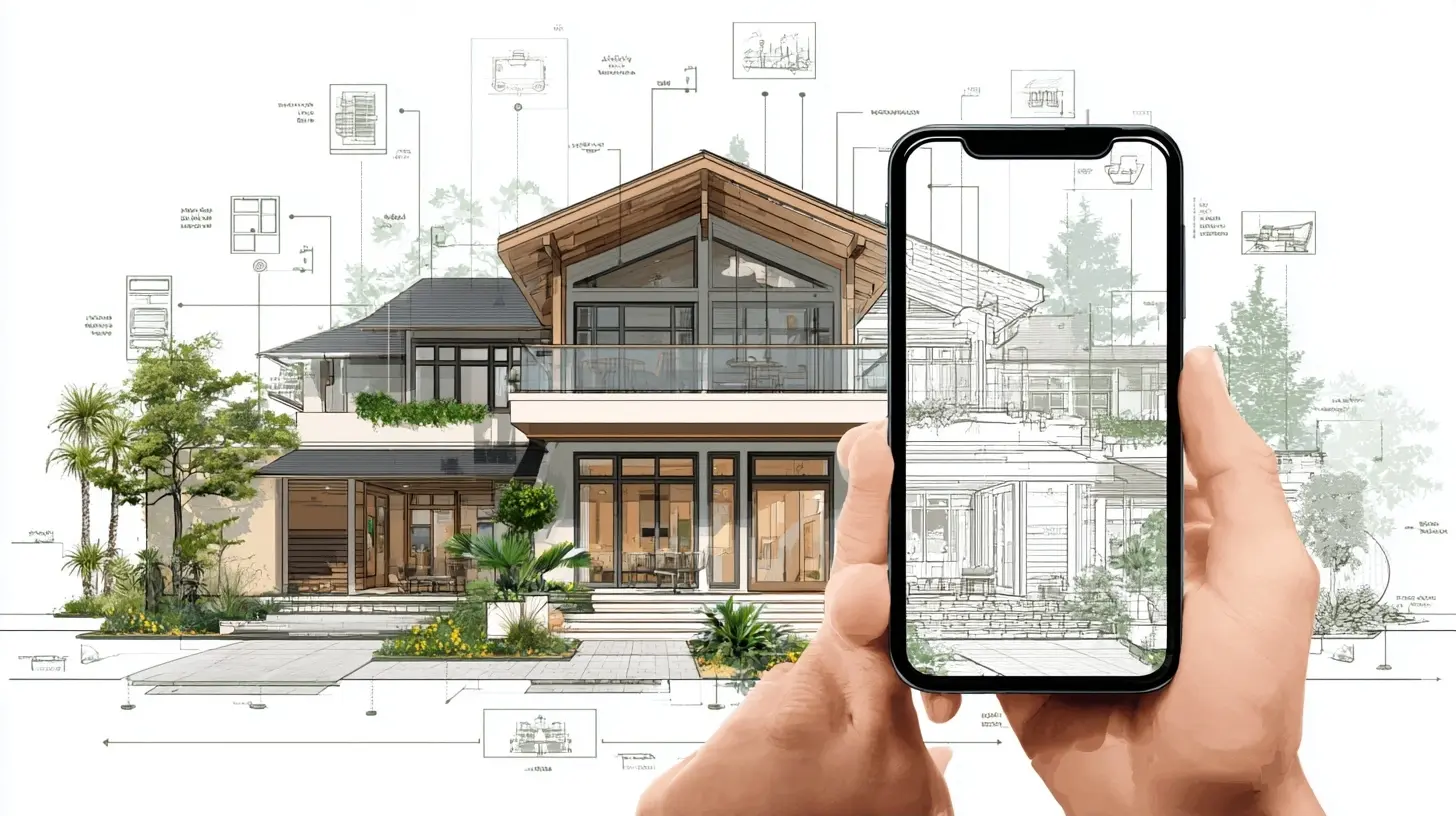
Most people confuse modernization with gadgetry. A smart speaker on the counter and a Wi-Fi thermostat on the wall do not make a home modern. Modernization means three things happen reliably:- Devices communicate with each other without human babysitting.
- The home responds to context, such as time of day, occupancy, or energy prices.
- The homeowner can monitor and control everything from one place, whether at home or away.
The distinction matters because integration, not individual devices, creates the value. A smart lock that cannot talk to your lighting or security system is just a remote-controlled lock. A lock that disarms the alarm, turns on the entry lights, and unlocks the door when you arrive is an integrated system. The second version is what modernizes a home.
There is also a practical economic angle. Integrated systems tend to age better. When devices share a common protocol and hub, you can replace one component without rebuilding the entire stack. When every device lives in its own app, you accumulate fragmentation, and fragmentation is the enemy of long-term usability.
Start With the Network, Not the Gadgets
Every smart home integration depends on a reliable network. This is the foundation most homeowners skip, and it is the most common cause of frustration later.Why Wi-Fi Alone Is Not Enough
Wi-Fi is convenient, but it is a shared, contended medium. Every connected device competes for airtime. A home with 40 or 50 Wi-Fi devices, common in a fully modernized house, will experience latency and dropouts unless the network is properly designed. Video doorbells, security cameras, and streaming devices are especially demanding.The practical answer is a layered network:
- A robust router or mesh system with wired backhaul between nodes.
- A dedicated VLAN or separate network for smart home devices, which improves security and reduces congestion.
- Wired Ethernet wherever possible, especially for cameras, access points, and media centers.
When to Consider a Local Hub
Cloud-dependent devices work fine for small setups, but they introduce two risks: an internet outage disables your home, and a manufacturer shutdown can orphan your hardware. Local hubs, such as those built around Zigbee, Z-Wave, Thread, or Matter, process automations on-site. If the internet goes down, your lights, locks, and schedules keep working. For anyone building a serious system, local control is worth the extra setup effort.Matter deserves a mention because it is changing the integration landscape. It is an interoperability standard designed so devices from different brands work together across ecosystems. It reduces lock-in, but it is not a complete solution on its own. Matter covers common device types well, while advanced features often still require manufacturer apps. Treat Matter as a strong baseline, not a guarantee of universal compatibility.
Lighting and Scene Control
Lighting is the entry point for most homeowners, and it delivers the most immediate, tangible upgrade.Smart Bulbs vs. Smart Switches
This is a classic trade-off, and the right answer depends on your situation.Smart bulbs are easy to install, offer color and tunability, and work well in lamps or rentals where rewiring is not an option. Their weakness is physical switches. If someone flips the wall switch off, the bulb loses power and drops off the network. Guests and family members will do this constantly.
Smart switches replace the wall switch itself. They keep constant power to the fixture, work with ordinary bulbs, and behave like normal switches for anyone who does not use the app. They require neutral wiring in many cases, which older homes may lack. The best practice is usually smart switches for ceiling fixtures and smart bulbs for lamps and accent lighting.
Scenes and Why They Matter
A scene is a saved combination of settings triggered by one command or event. "Evening" might dim the living room to 30 percent, warm the color temperature, and turn off the kitchen. Scenes are where lighting integration pays off, because they replace a dozen individual adjustments with one action.The insight most guides miss: design scenes around routines, not rooms. A "movie night" scene that dims lights, closes shades, and sets the TV input is more useful than a "living room" scene that just controls one room. Routines cross rooms, and integration should too.
Climate and Energy Integration
Heating and cooling typically represent the largest share of household energy use, which makes climate control the highest-value integration target.Smart Thermostats Done Right
A smart thermostat learns schedules and adjusts for occupancy, but its real power appears when it integrates with other systems. Examples include:- Geofencing that sets the home to away mode when the last person leaves.
- Window sensors that pause heating or cooling when a window is open.
- Utility price signals that pre-cool the house before peak rates.
The common mistake is installing a smart thermostat and never configuring occupancy or sensors. Without that configuration, it is just a programmable thermostat with a nicer screen.
Zoned Comfort and Ventilation
Whole-home zoning, using motorized dampers and multiple thermostats, lets you condition only the rooms in use. It costs more upfront and requires professional design, but it pays back in comfort and efficiency, particularly in two-story homes with uneven temperatures.Ventilation integration matters too. Modern homes are tightly sealed, and indoor air quality suffers without deliberate fresh-air exchange. Energy recovery ventilators and demand-controlled ventilation can be tied into the same control system, so the house breathes appropriately without wasting conditioned air.
Security and Access Integration
Security is where integration delivers the most peace of mind, and where poor design causes the most annoyance.Layers, Not a Single Device
A modern security setup is layered:- Perimeter detection through door and window sensors.
- Outdoor cameras with person and vehicle detection.
- Smart locks with keypad and remote access.
- Indoor motion sensors that distinguish pets from people.
The integration value comes from coordination. When the alarm triggers, lights flash, cameras record, and you receive a verified alert with a clip. When you unlock the door with a code, the system disarms and logs who entered. These cross-system behaviors are what separate a modern setup from a pile of gadgets.
Locks, Codes, and the Guest Problem
Smart locks solve a real problem: giving access without copying keys. Temporary codes for cleaners, contractors, and guests are genuinely useful. The trade-off is battery life, connectivity reliability, and the risk of lockout if the network fails. Choose locks with keypad backup and local control so a network outage does not strand you outside.A best practice many homeowners overlook: audit access codes quarterly. Old codes for former contractors are a quiet security risk.
Energy Management and Solar Integration
Energy integration has moved from niche to mainstream, and it changes how a home behaves during the day.Monitoring Before Optimizing
Before adding solar or batteries, install circuit-level energy monitoring. It reveals which appliances actually consume power and when. Many homeowners are surprised to find that pool pumps, old refrigerators, or space heaters dominate their bills. Monitoring turns energy decisions from guesses into data.Solar, Batteries, and Load Shifting
When solar and battery storage are integrated with the home's control system, the house can prioritize self-consumption. It can run high-load appliances like dishwashers and EV chargers during peak production, then switch to battery power during expensive evening rates. This requires an energy management layer that talks to the inverter, the battery, and major loads.The caution: these systems are complex, and installer quality varies widely. Ask for references, confirm monitoring access, and understand the warranty terms for batteries before committing.
Water, Leak Detection, and Preventative Integration
Water damage is one of the most expensive and least insured risks in a home, and it is largely preventable with integration.Smart shutoff valves with flow sensors learn your household's water patterns. When they detect abnormal flow, such as a burst pipe or a running toilet, they shut off the supply and alert you. Pair them with leak sensors under sinks, near water heaters, and behind washing machines. The integration matters because a shutoff valve without sensors reacts late, and sensors without a valve only tell you about the disaster after it starts.
This is a category where the return on investment is easy to justify. A single prevented flood often pays for the entire system.
Entertainment and Whole-Home Audio
Media integration has matured, and the modern approach favors flexibility over fixed installations.Distributed audio systems that pipe sound to multiple zones are elegant but expensive and hard to change later. Wireless multiroom audio is cheaper and more adaptable, at the cost of some latency and reliance on the network. For most homes, a hybrid works best: wired speakers in key rooms with wireless sources feeding them.
For home theaters, the integration priority is control, not hardware. A single remote or app that powers on the projector, lowers the screen, dims the lights, and sets the sound mode is what makes the room feel modern. Universal control platforms and well-designed scenes handle this reliably.
Choosing the Right Ecosystem and Protocol
This is the decision that shapes everything else, and it deserves careful thought.The Main Options
- Cloud-first ecosystems are easy to set up and offer polished apps. The trade-off is dependence on the internet and the vendor.- Local-first platforms offer reliability and privacy. The trade-off is more setup work and sometimes a steeper learning curve.
- Open standards like Matter and Thread reduce lock-in. The trade-off is that advanced features may lag behind manufacturer-specific implementations.
A Practical Rule
Choose the ecosystem based on who will maintain it. If you enjoy tinkering, a local-first platform rewards you with reliability and control. If you want simplicity and professional support, a mainstream ecosystem with a good integrator is the better path. Avoid mixing three or four competing hubs unless you have a clear reason, because every hub adds a failure point.
Common Mistakes and Misconceptions
Mistake: Buying devices before defining outcomes. Start with the routines you want, then choose hardware that delivers them. Device-first shopping leads to orphaned gadgets.Mistake: Ignoring the network. A weak network undermines every device. Budget for networking as part of the project.
Mistake: Skipping local control. Cloud-only systems fail during outages and can be bricked by vendor decisions. Include local fallbacks for critical functions like locks, lighting, and heating.
Misconception: More devices means more modern. A focused system of ten well-integrated devices beats fifty disconnected ones.
Misconception: Integration is a one-time install. Systems need updates, battery changes, and occasional reconfiguration. Plan for light ongoing maintenance.
Misconception: Smart homes are only for new construction. Retrofits work well with wireless protocols and smart switches, though some features, like wired cameras and zoned HVAC, are easier during renovation.
Best Practices for a Reliable Modern Home
1. Design routines first, then select hardware.2. Invest in networking before devices.
3. Prefer local control for anything critical.
4. Keep a written inventory of devices, apps, and logins.
5. Label every breaker and network port.
6. Test failure modes: unplug the internet and confirm lights, locks, and heat still work.
7. Update firmware on a schedule rather than reactively.
8. Document access codes and review them regularly.
9. Leave room to expand; choose platforms with clear upgrade paths.
10. Hire professionals for electrical, HVAC, and safety-critical work.
Where to Start If You Are Overwhelmed
A sensible sequence for most homeowners:1. Upgrade the network and add wired backhaul where possible.
2. Add smart lighting control at the switch level in main living areas.
3. Install a smart thermostat with occupancy and window sensors.
4. Add leak detection and an automatic shutoff valve.
5. Layer in security: locks, sensors, and cameras with local recording.
6. Add energy monitoring, then consider solar and storage.
7. Finish with entertainment and whole-home audio.
Each step builds on the last, and each delivers value on its own. That is the mark of good integration: incremental, reversible, and useful at every stage.
The Bottom Line
Modernizing a home is a design problem, not a shopping problem. The technologies that matter most are the ones that coordinate: a network that carries the load, lighting that responds to routines, climate systems that react to occupancy and energy prices, security that verifies and coordinates, and safety systems that act before damage spreads. Get the foundation right, choose an ecosystem you can maintain, and design around real routines. Do that, and the house stops feeling like a collection of devices and starts feeling like a home that works for you.
all images in this post were generated using AI tools
Category:
Home ImprovementAuthor:

Lydia Hodge